
How XP, levels, leaderboards and achievements work
Updated October 28, 2026 · 3 min read · by Bhayson
Every game on Bhayson Games is free and needs no sign-up, but you can still collect achievements, climb leaderboards and level up across all the games. This guide explains how it works, in plain words.
Getting a player
You don't make an account. The first time you post a score or unlock an achievement in any game, the site makes a player for you with a random nickname. You can change the nickname on Your profile, using 3 to 16 letters or numbers. You can also pick a nickname on Your profile before you play.
Your player is kept on your device with a private player code of 20 letters and numbers. Keep it to yourself: anyone with the code plays as you.
XP and levels
XP (experience points) is shared across every game on the site. You get it in two ways:
- Playing: each game you play gives 5 XP once a day. The first time you ever play a game, you get 10 XP more, so 15 in total.
- Achievements: each achievement gives its XP once, from 5 to 100 XP, most often between 10 and 50. The amount is shown next to it on the game's page.
Your level grows as your XP grows, and each new level needs a little more XP than the last. Level 2 starts at 50 XP, level 3 at 200, level 4 at 450, level 5 at 800 and level 10 at 4,050. Your profile shows a bar with how much XP you need for the next level.
Trying a new game each day is the quickest way to level up early, because every first play gives 15 XP. After that, achievements are where most of your XP comes from.
Leaderboards
Games with scores have one or more leaderboards, such as High score, Fastest Daily Quilt or Farthest throw. Each board has three tabs: Today, This week and All time. Today and This week start fresh, so a new player always has a real chance to get near the top.
Open a board from the game's page, or from inside the game in games that have a leaderboard button. Your own entry is marked, even when you are not in the top list. Scores that are impossible for a game are not accepted, which keeps the boards fair.
Achievements
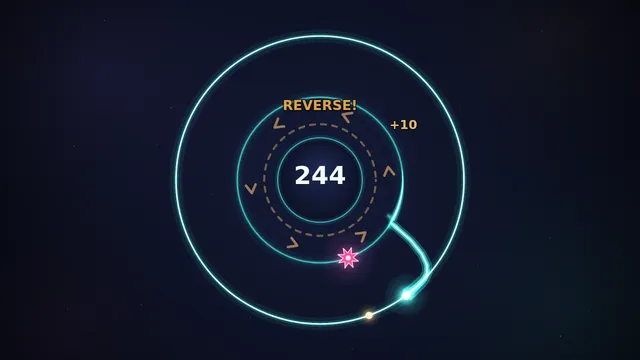
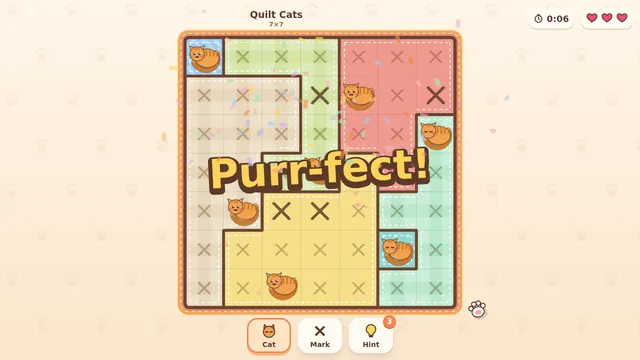
Achievements are goals set by each game, like Close shave in Orbit Flip (pass very close to a spike 5 times in one run) or Porch Pal in Quilt Cats (finish all 15 quilts on the Sunny Porch). Each one unlocks once, and a small message pops up when it does.
Every game page lists its achievements with the share of players who have unlocked each one. A low number means it is rare, so it makes a good goal if you want a challenge. Your profile shows every achievement you have, across all games.
Keeping your progress
Your scores, achievements, XP and most game saves are kept on the device you play on. If you clear your browser's data, they can be lost, so it is worth keeping a copy. There are two ways:
- Write down your player code from Your profile. On another device, open Your profile, choose Already have a player? and type the code in.
- Sign in with Google on Your profile. Signing in is optional, but it keeps your player and your game saves in your account, so you can pick up on another phone or computer. If you played as a guest first, your progress moves into your account.
Played without internet? Scores and achievements you earn offline wait on your device and are sent when you are back online.
Privacy choices
When you first visit, the site asks whether it may count your visits. If you choose Essential only, your plays are not added to the site's totals, but you still get your XP. Players under 13 can't sign in and get random nicknames. You can read the details on the privacy page.