
How to play games offline, with no internet
Updated October 28, 2026 · 3 min read · by Bhayson
Many games on Bhayson Games can be saved to your phone, tablet or computer and played with no internet at all. It takes one tap per game, and it is handy for flights, long bus rides or places with a weak signal.
Here is how it works, which games can be saved, and a few things to know on iPhone.
Step 1: add the site to your home screen
This step is optional on Android and computers, but it makes offline play feel like a normal app: Bhayson Games opens full screen from its own icon.
- Android, Chrome or Edge: open the menu and tap Install the app.
- iPhone or iPad: open the site in Safari, tap the Share button (the square with an arrow), scroll down and tap Add to Home Screen, then Add.
Step 2: save the games you want
Open a game's page while you are online and tap Save offline in the bar under the game. The site stores the game's files, its page and its pictures on your device. When it is done, a message tells you the game now plays without internet.
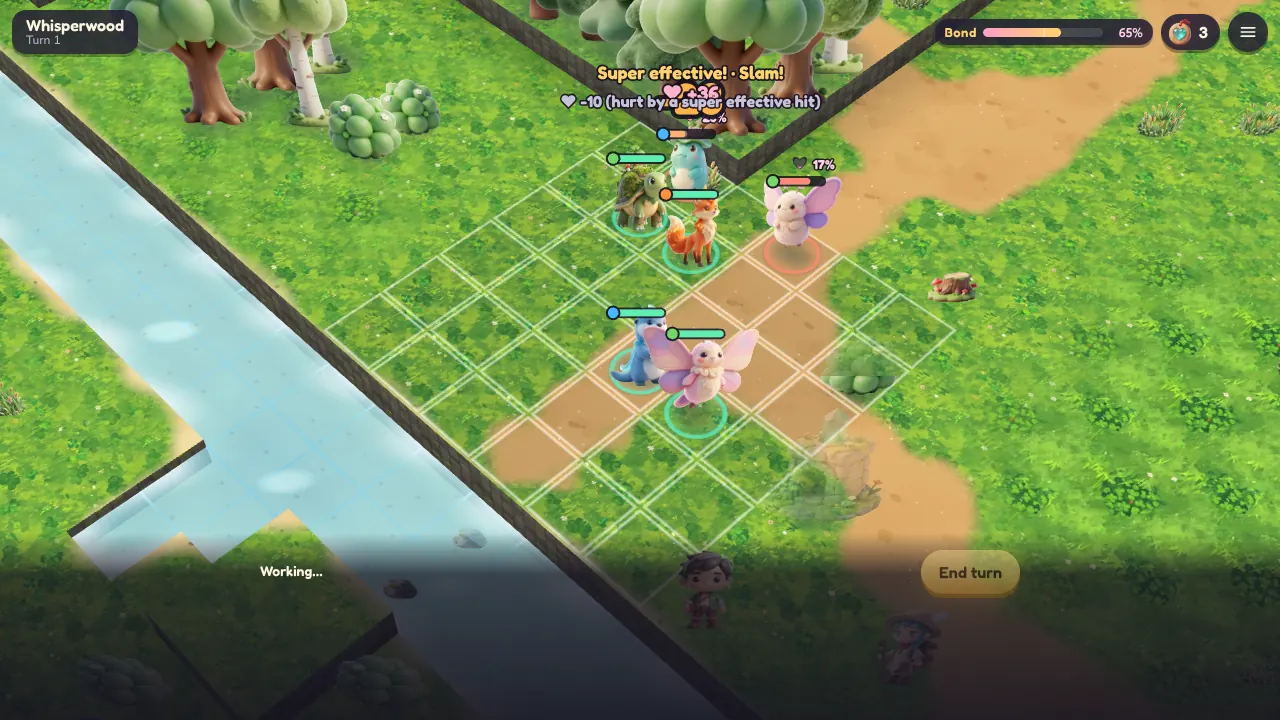
Do this for each game you want to take with you. Small puzzle games take very little space, while big 3D games such as Wildbond take more, so save those on Wi-Fi.
Step 3: play with no internet
With no connection, open Bhayson Games from your home screen or your browser and go to Offline games in the menu. It lists every game saved on this device, with its size and the day you saved it. Tap Play.
If you open a page that isn't saved while you are offline, the site shows your saved games instead, so you are never stuck on an error page.
Which games can be saved
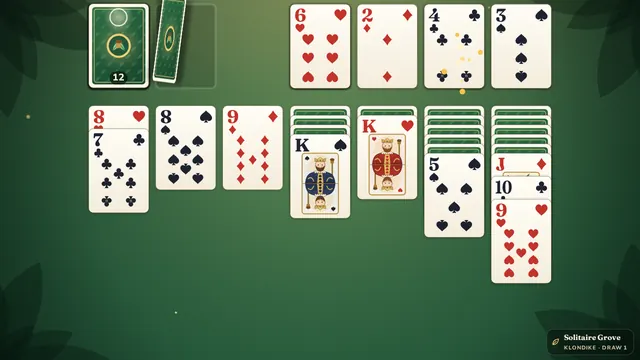
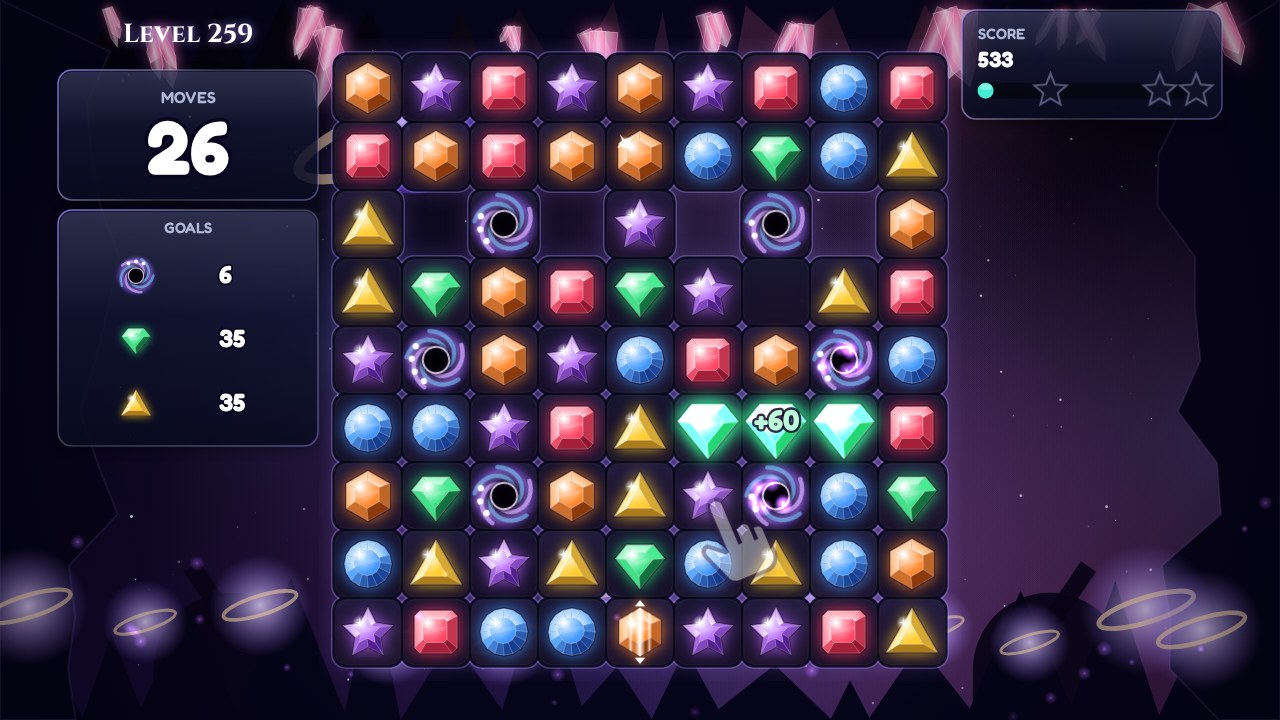
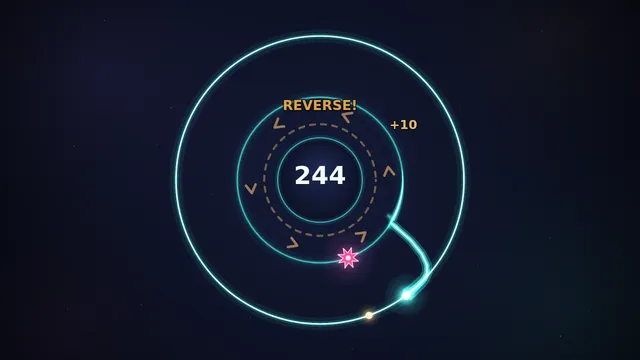
Most single-player games made by Bhayson can be saved, including Solitaire Grove, Crystal Cascade, Letter Loom, Quilt Cats, Orbit Flip, Rooftop Rush, Leapling, Lanternfall and Wildbond. Offline games shows a list of the ones you can still save.
Online multiplayer games, such as Iron Salvo or Godsdusk Online, can't be saved, because they need the internet to connect you to other players. Games from other makers can't be saved either.
Your scores and progress
Your game saves stay on your device as usual. Scores and achievements you earn while offline wait on the device, and they are sent to the leaderboards as soon as you are back online.
Good to know on iPhone and iPad
Safari can clear saved games after a while if you don't use them. Games saved inside the Home Screen app stay saved, so on an iPhone it is best to add the site to your Home Screen first and save your games from there.
The Home Screen app keeps its own copy, separate from Safari. To bring your player along, copy your player code from Your profile in Safari and enter it in the app.
Updates and removing games
When a saved game gets a new version, Offline games marks it with update ready. Open the game while you are online and tap Update offline copy to save the new version. To free up space, tap the X next to a game in Offline games, then tap it again, to remove it from this device. This removes the game's files, not your game progress.